

In Part 1 of The Founder's Dilemma, we explored the challenge of balancing technical innovation with user-friendly design. In this follow-up, we showcase how SiteGuru.ai evolved to make AI onboarding effortless—allowing anyone to set up a powerful AI assistant in just minutes.
Gone are the days of complex integrations and overwhelming configurations. We’ve refined the process into four simple steps:
- 🎯 Enter Your Domain
- 📩 Verify Your Email
- ⚙️ Watch as We Build Your Guru
- ✅ Ready! Test Your Guru Instantly
Step 1: Enter Your Domain
Getting started should be effortless. Just type your website address and hit enter.
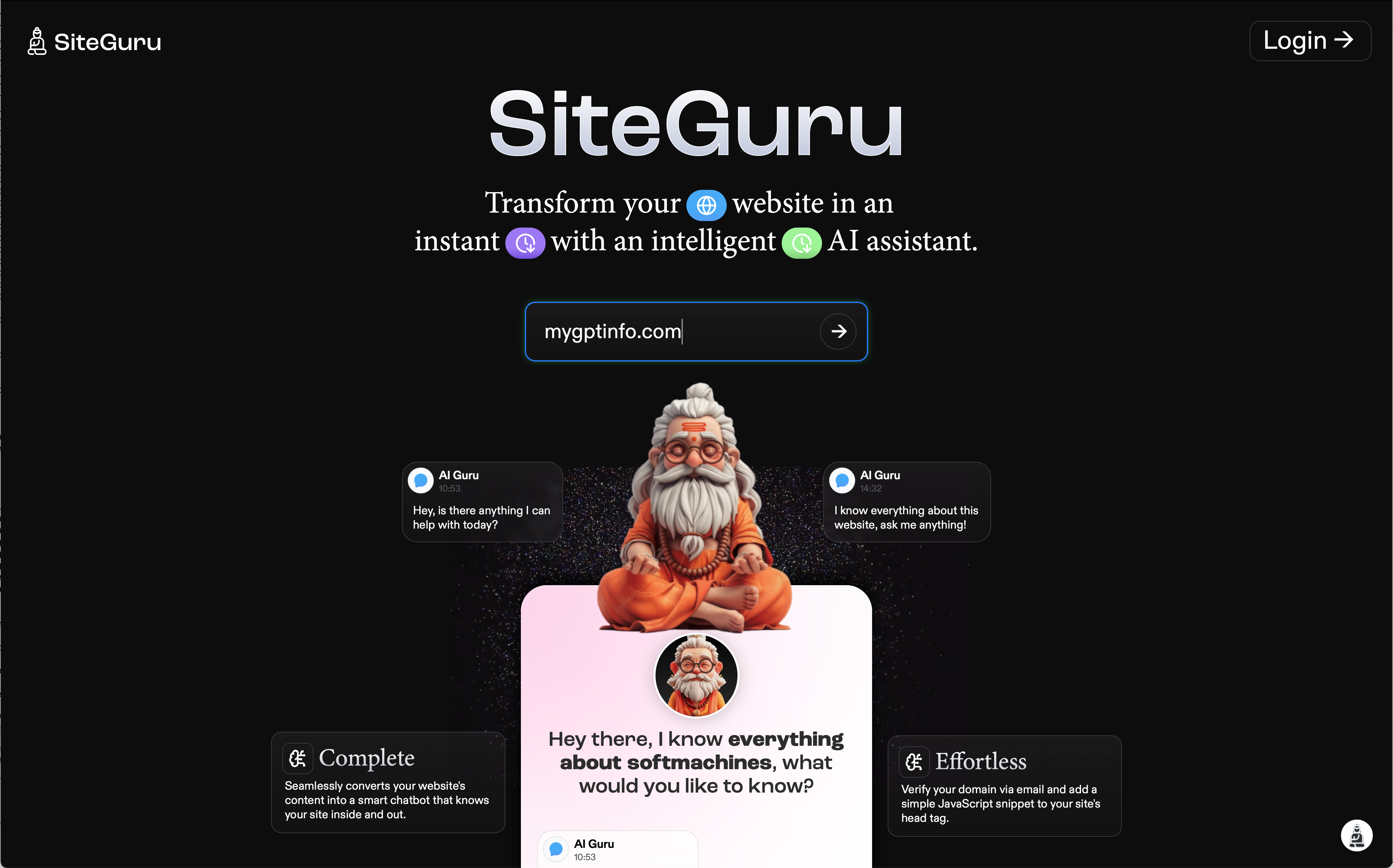
- ✅ No lengthy sign-up forms
- ✅ No credit card required
- ✅ Instant feedback from AI
Step 2: Verify Your Email
To ensure security and accuracy, a quick email verification is required.
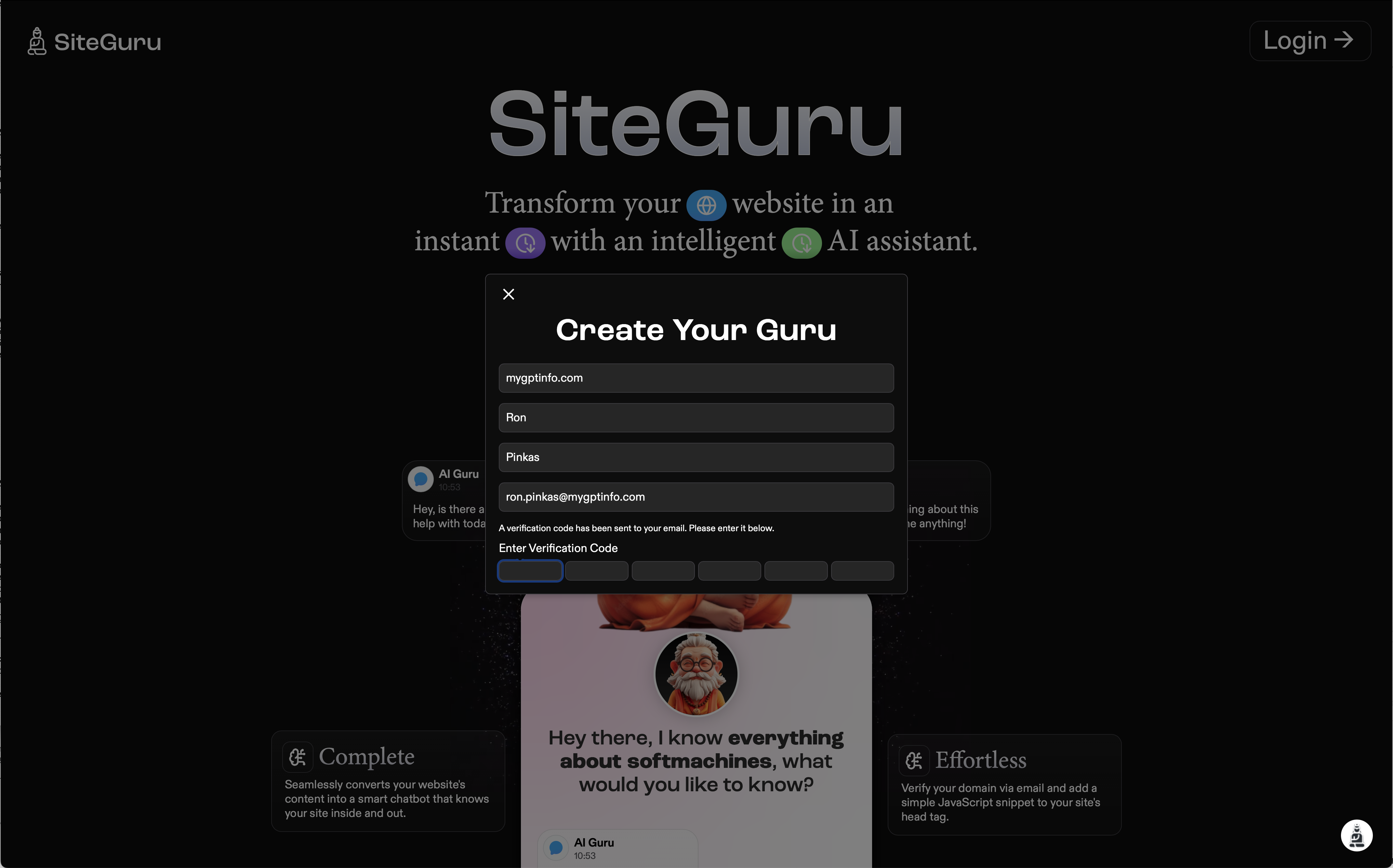
✔️ Real-time validation means you can move forward instantly.
Step 3: Watch as We Build Your Guru
Once verified, SiteGuru automatically builds your AI assistant in real time.
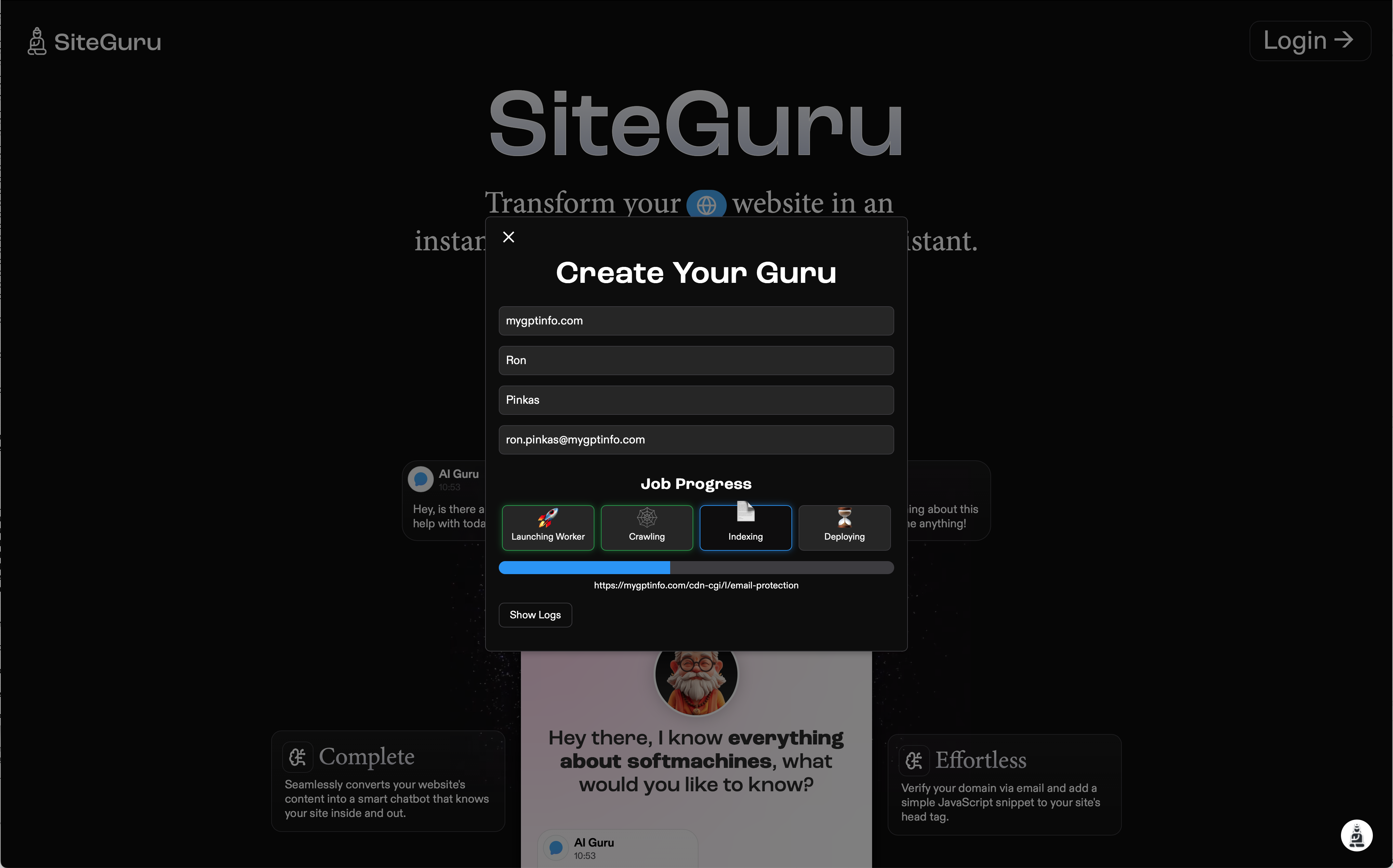
🎬 What’s happening behind the scenes?
- 🔹 Launching Worker – Prepares the AI engine
- 🔹 Crawling – Reads and understands your website
- 🔹 Indexing – Structures the knowledge base
- 🔹 Deploying – Finalizes the AI for use
This process is fully automated, with live updates so users always know what’s happening.
Step 4: Ready! Test Your Guru Instantly
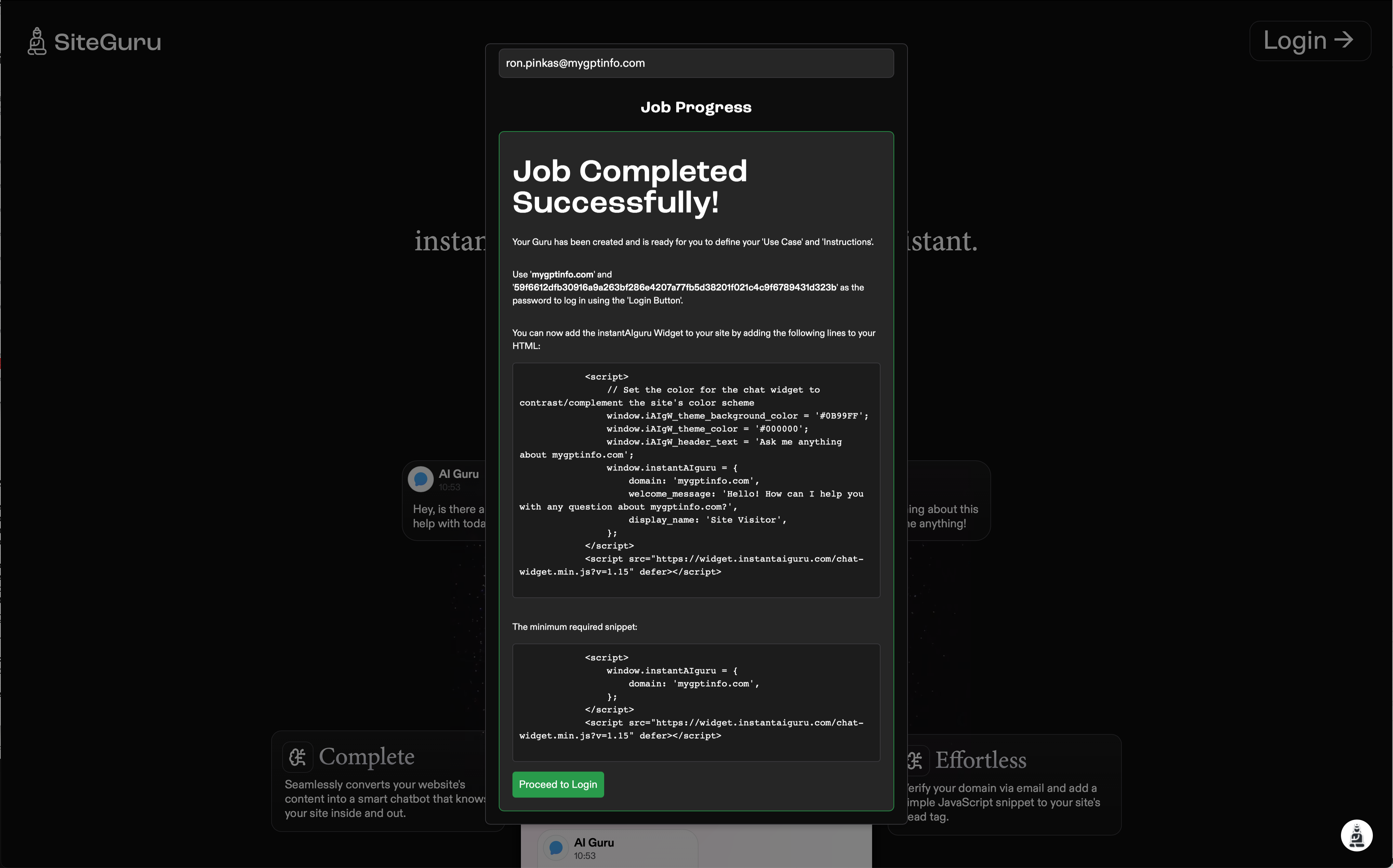
💡 What’s next?
- ✅ Test your Guru using the built-in chat interface
- ✅ Start engaging visitors instantly
- ✅ No manual setup required!
Your Guru is now fully deployed and ready to answer questions!
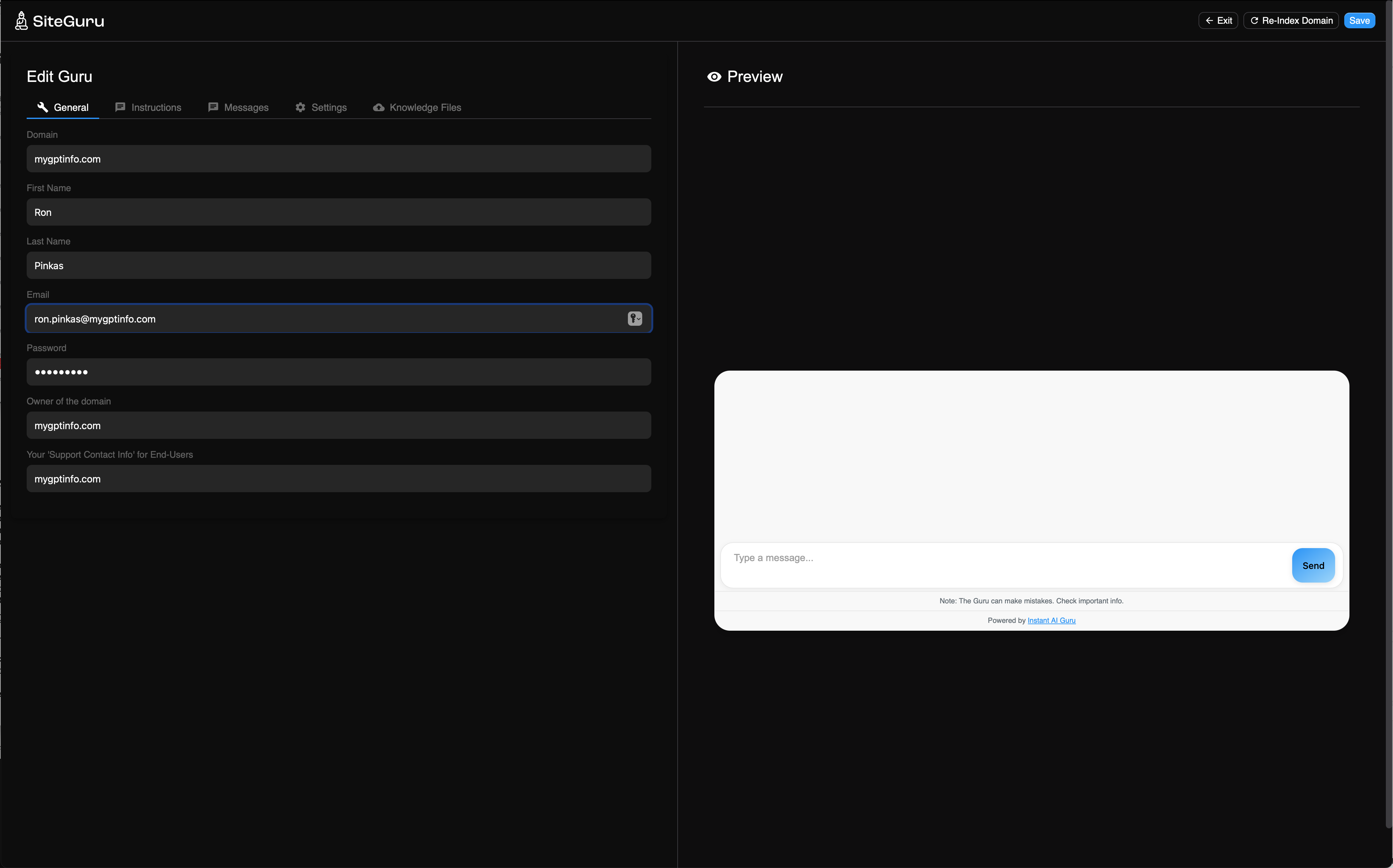
Optional Setup: Unlock Advanced Capabilities
For users who want to further enhance their Guru, SiteGuru.ai offers an intuitive admin panel with simple, optional configurations.
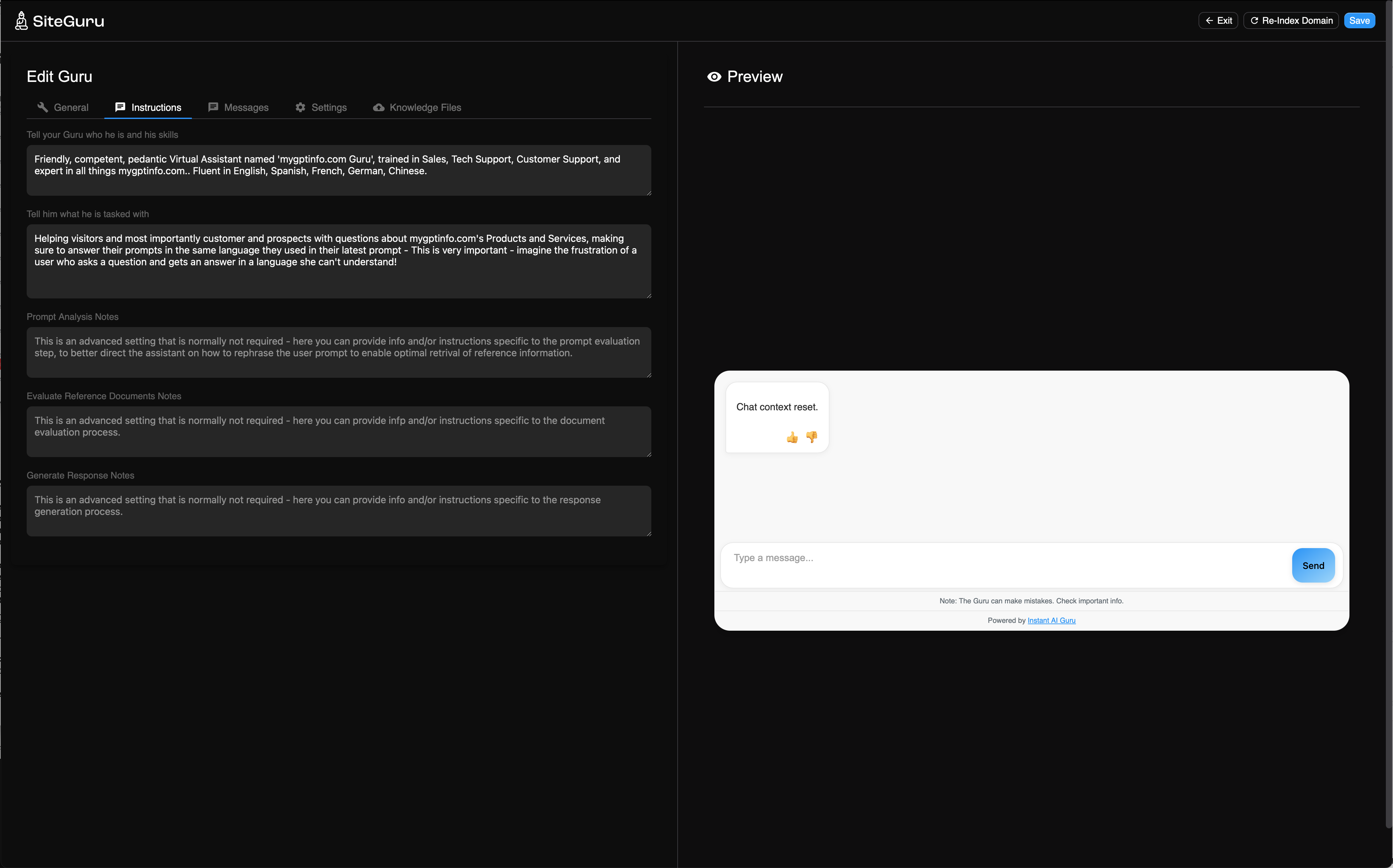
- ✔️ Customize responses – Define AI tone, expertise & welcome messages
- ✔️ Manage knowledge sources – Upload documents & control reference URLs
- ✔️ Optimize settings – Adjust search behavior & retrieval strategies
Everything is designed to be accessible and user-friendly, with no coding required.
📌 Key Features Explained
General
- 🔹 Set a password for login instead of using the API key.
- 🔹 Define a support contact for end-users.
AI Instructions
- 🔹 Tell the Guru who it is and what its role should be.
- 🔹 Set the task and priorities (sales, support, knowledge, etc.).
Messages
- 🔹 Set welcome messages and error responses.
- 🔹 Messages for fallback handling when AI doesn’t find an answer.
Settings
- 🔹 Control how the Guru retrieves and ranks information.
- 🔹 Enable keyword search in addition to AI semantic search.
Knowledge Files
- 🔹 Upload PDFs, Word Docs, or structured data for deeper AI knowledge.
🚀 The Future of AI-Powered Support is Effortless
With SiteGuru.ai, setting up an AI assistant is no longer a technical hurdle. We’ve designed a frictionless, intuitive experience that gets businesses up and running in minutes.